Grouping
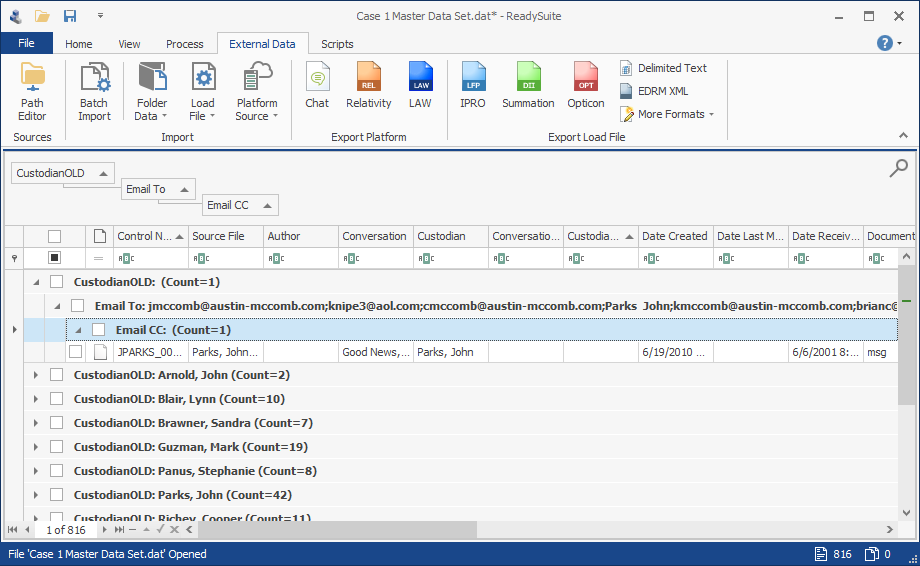
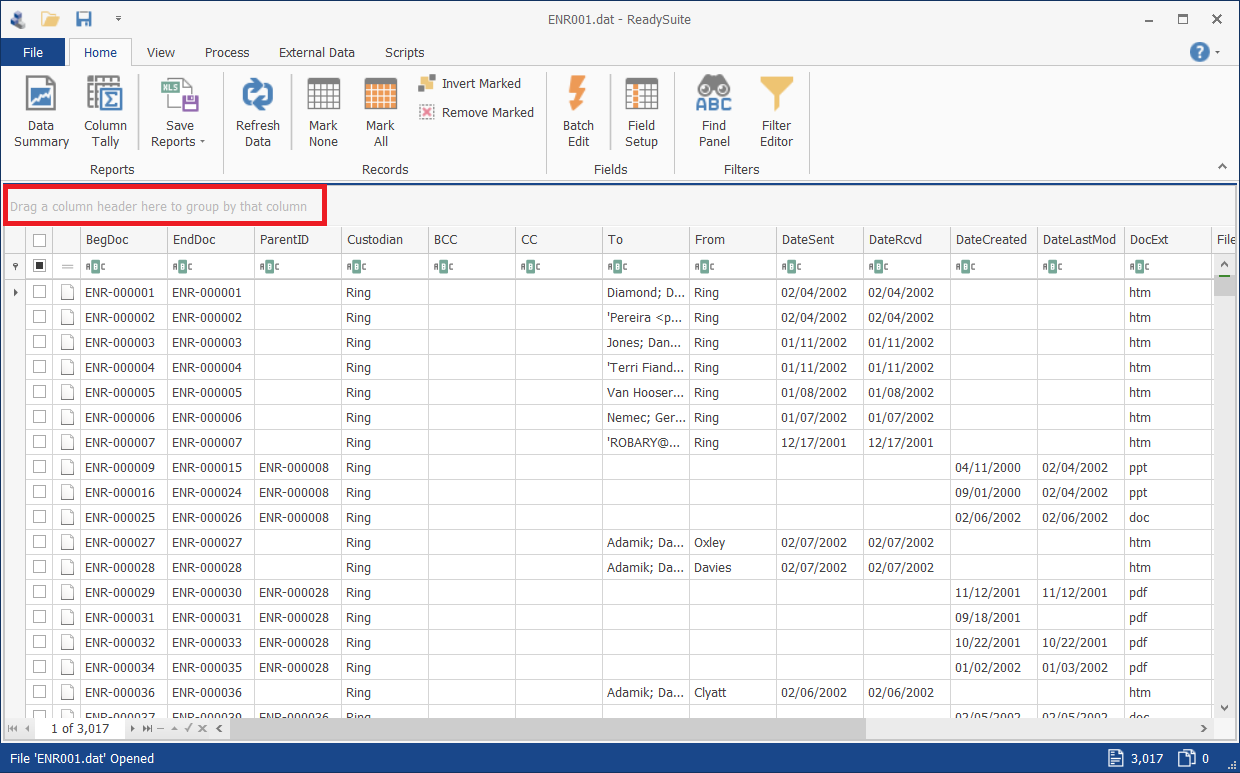
To refine the documents displayed in the Document Grid View, files can be grouped by columns in the row above the column headers.
ReadySuite reduces the contents of the Document Grid View to only files in the grouped column.
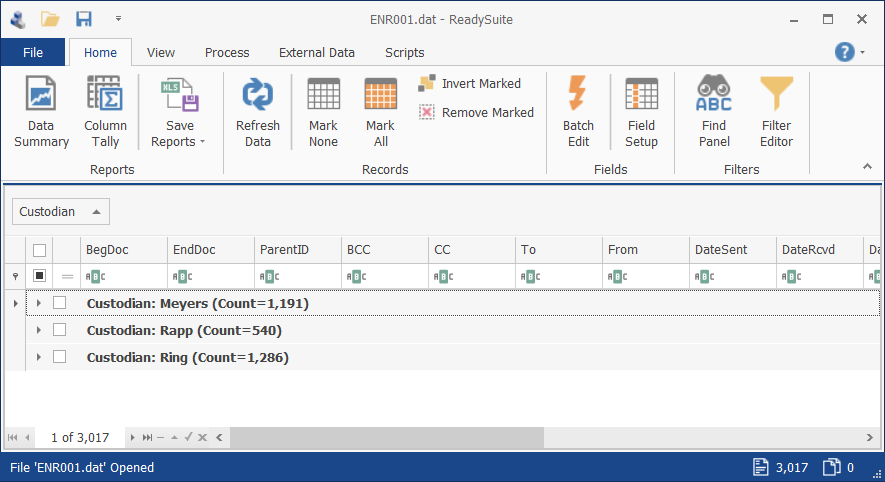
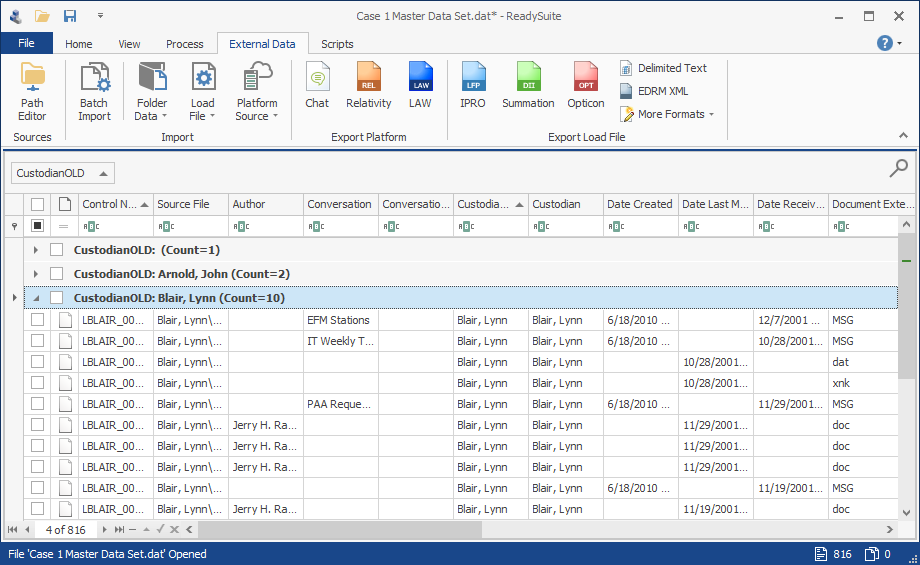
Documents reside in columns created from the items in the selected column.
To group files in the Document Grid View
- Do one of the following:
- Drag the column with the documents you want to view to the row above the column headings.
- Right-click the header of the column you want to group and select Group By This Column.
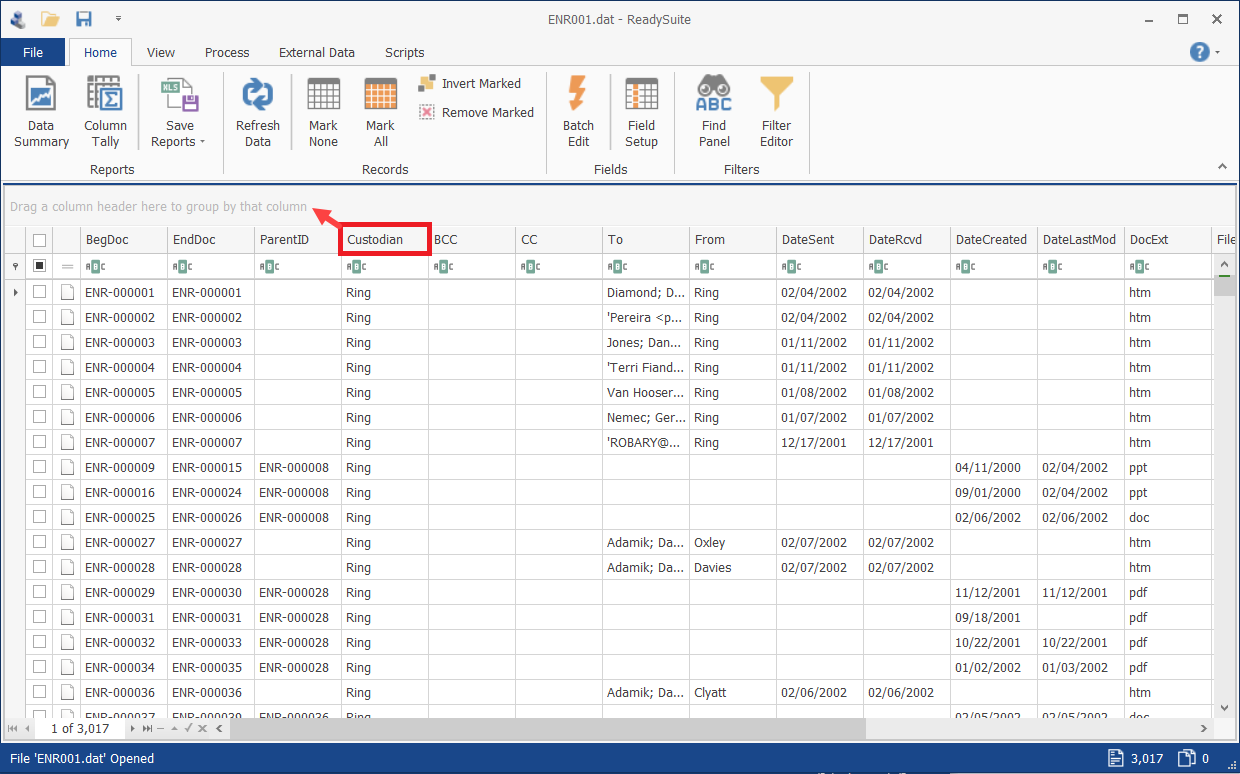
To create subgroups and further refine the documents in the Document Grid View
- Do one of the following:
- Drag additional columns into the grouping row.
- Right-click the header of the column you want to group and select Group By This Column.